
Short answer: plan in a spreadsheet, track in an app. A spreadsheet is unbeatable for modelling a trip before you leave: comparing destinations, testing “what if we stay two more nights”. It fails during the trip because exchange rates have to be entered by hand, phone editing is slow, and one skipped day breaks the running total that made it useful.
What a good travel budget spreadsheet looks like
If you are going to plan in a spreadsheet, build it in three blocks rather than one long list.
Block 1: fixed costs
One row per prepaid item: flights, accommodation per night × nights, rental car, insurance, visas, big tickets. Columns: item, estimated, actual, paid?. The gap between estimated and actual is the most useful column in the sheet, and the one most templates leave out.
Block 2: the daily allowance calculation
Trip money, minus fixed costs, minus a 10–15% buffer, divided by days. One formula, one number, and it should be in a big cell at the top. That number is the entire reason the spreadsheet exists. The method is worked through in how much to budget per day.
Block 3: the daily log
Columns: date, description, category, amount in local currency, currency, rate, amount in home currency. This is the block that looks fine in a template and hurts on a trip: seven columns to fill in on a phone keyboard, twice a day, including a rate you have to go and look up.
Where spreadsheets break on the road
- Manual exchange rates. Every foreign expense needs a rate. Most people give up and use one rounded rate for the whole trip, which is fine until the currency moves 4% and the totals drift.
- Phone editing. Tapping into the right cell in a mobile spreadsheet while standing in a bakery queue is genuinely unpleasant. Ten seconds becomes ninety.
- Offline sync conflicts. Editing a cloud sheet with no signal, then again later on a laptop, is how you end up with “Copy of trip budget (conflicted copy)”.
- No live daily number. Unless you have built the formulas, the sheet cannot tell you what you have left today, and if you have built them, one missing row silently breaks them.
- Nobody else can add to it. Group trips turn into one person copying numbers out of a chat thread.
Where an app is worse
Being fair about it: an app is a poor planning tool. You cannot model three destinations side by side, test scenarios, or share a pre-trip cost breakdown with the people deciding whether they can afford to come. That is spreadsheet work, and no travel app does it well.
The hybrid that works
Plan in a spreadsheet → carry the daily number into an app → put the real numbers back in the sheet afterwards
- Model the trip in the spreadsheet: fixed costs, scenarios, the daily allowance formula.
- Set that daily allowance as the budget in your travel expense app and track everything there during the trip.
- After the trip, copy the actual totals per category back into the “actual” column of the sheet. Your estimates for the next trip stop being guesses.
Doing the tracking half in Costari
- Create the trip and enter the daily budget your spreadsheet produced (or the total; Costari derives the other).
- Log expenses in local currency. Conversion across 150+ currencies happens automatically, which removes the single most tedious column of the spreadsheet.
- Use categories that match your sheet so the numbers drop straight back into the “actual” column afterwards.
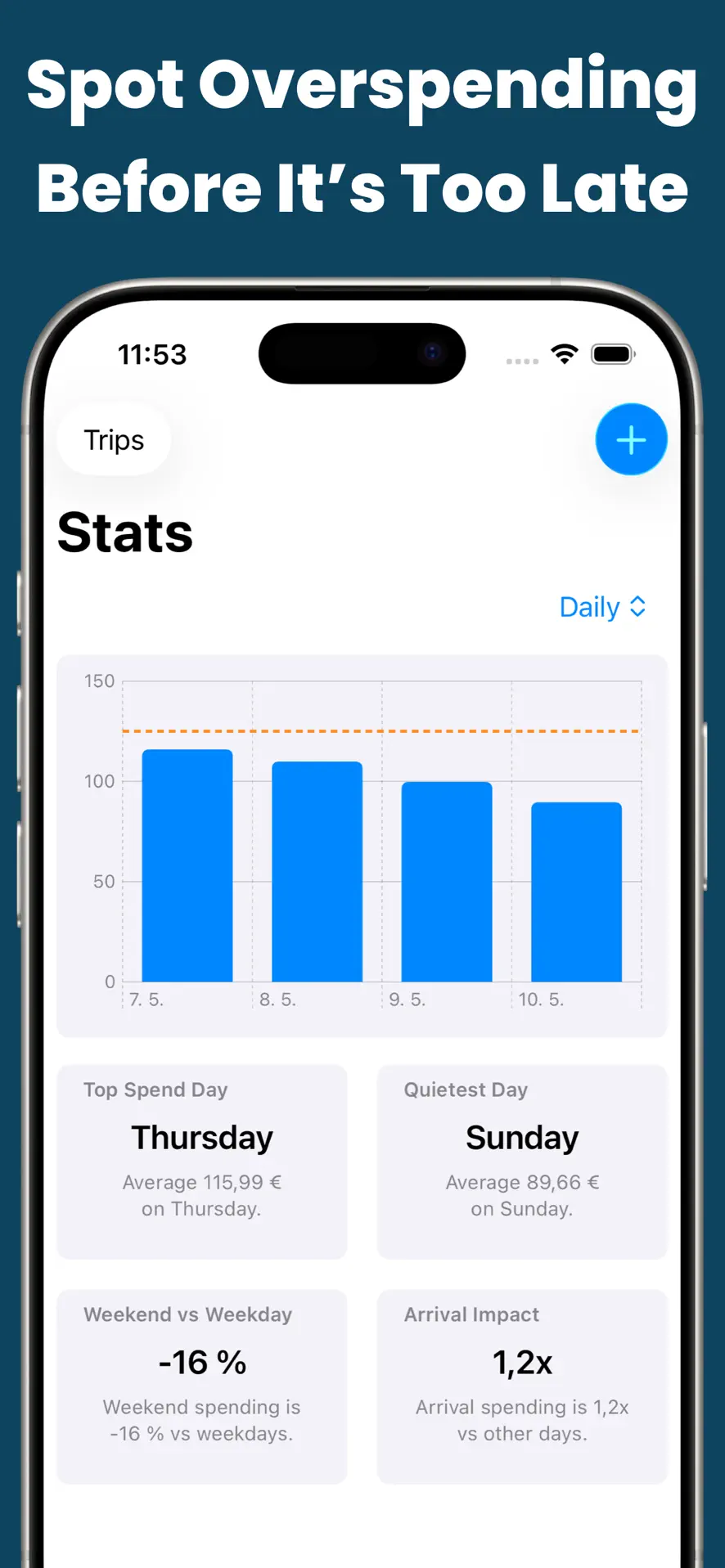
- Read the stats at the end: category percentages, daily average, top spend day, the analysis most travelers intend to build in their spreadsheet and never do.
The spreadsheet keeps the job it is genuinely good at. The phone gets the job that has to happen thirty times a week.

Costari: Travel Spend
Trip budgets, 150+ currencies, shared trips and a remaining daily budget you can check in two seconds. Free on iPhone and iPad.
Frequently asked questions
Is there a free travel budget spreadsheet template?
Plenty. Google Sheets ships one under File → New → From template gallery, and dozens of free versions exist. Any of them is fine for planning. The structure matters more than the template: fixed costs, a daily allowance formula, and a log with an estimated-versus-actual column.
Can I export my expenses from an app back into a spreadsheet?
That is the point of the hybrid approach: track on the phone during the trip, then move the category totals into your sheet afterwards so your next trip’s estimates come from real data rather than from a blog post about someone else’s spending.
Why not just use my bank app instead of either?
Bank apps show settled transactions in your home currency, days late, with no trip boundary and no cash. They are a reconciliation tool, not a budget you can check before ordering dinner.